In 2026, AI photo editing tools like Gemini AI are changing the way people create and share pictures online. With just a simple text prompt, you can now generate ultra-realistic couple photos that look cinematic, emotional, and full of natural details—without needing professional equipment or editing skills.
Using the right Gemini AI photo prompts, you can transform any normal selfie or portrait into a stunning AI-generated couple photo with perfect lighting, romantic backgrounds, and high-end 8K quality. Whether you want a cozy indoor moment, a golden-hour beach hug, or a modern city-date vibe, Gemini AI makes every image look magical and lifelike.
Gemini AI Romantic Couple Photo Prompts
1. Golden Hour Sunset Walk
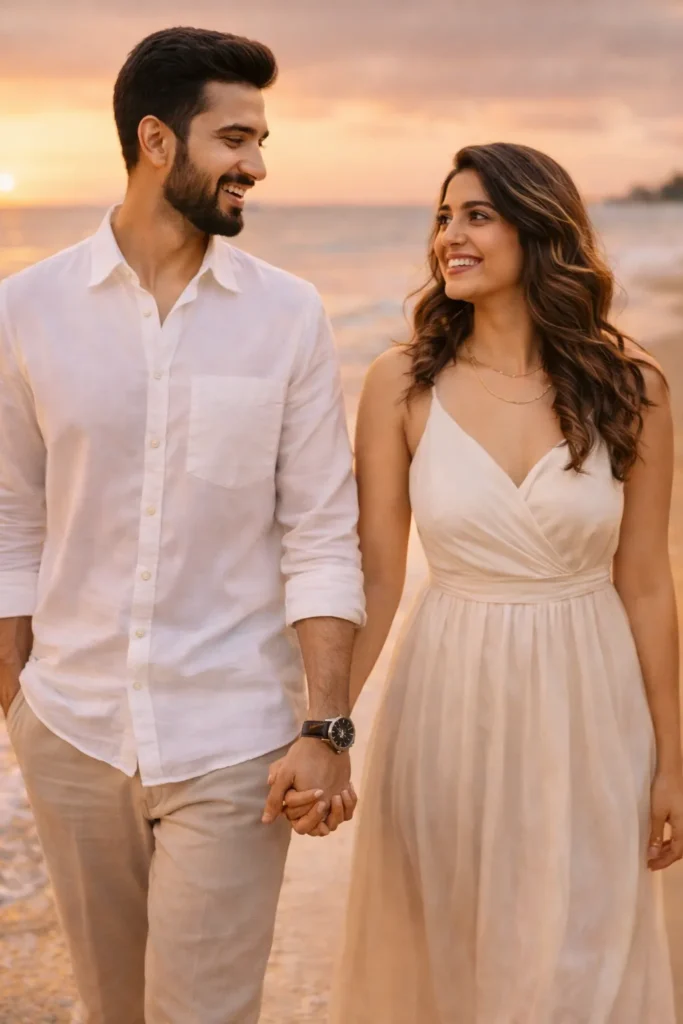
Edit the uploaded photo of the couple and keep both faces exactly the same with full natural skin detail and original face shape. Place them walking hand in hand on a calm beach during sunset time. Add soft golden light falling on their faces with natural glow and shadow. Change outfit into a clean white shirt with light beige pants for the boy and a soft flowing dress for the girl. Add background blur with warm tones and depth. Keep full realistic skin texture with visible pores and natural expressions.
2. Rainy City Street Embrace
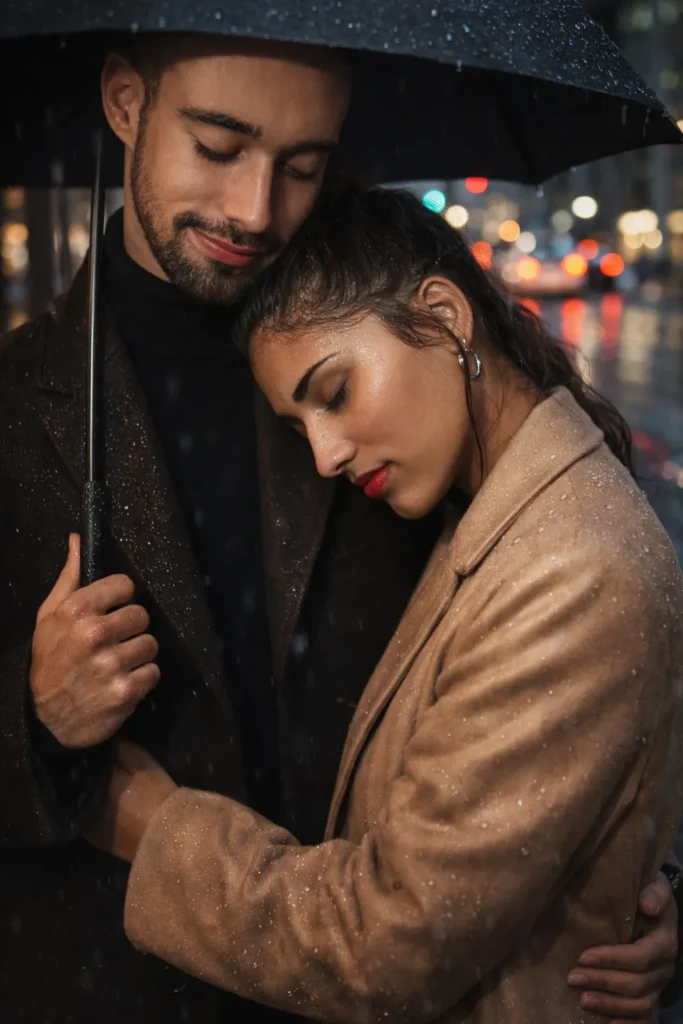
Edit the uploaded image and keep the same face details without any change. Place the couple on a modern city street during light rain. Add a black umbrella above them and show the boy holding the girl gently. Create wet road reflections with soft city lights in the background. Change outfits into stylish long coats. Add water drops on clothes and soft shine on skin. Keep sharp focus on faces and maintain natural expressions with realistic lighting and depth.
3. Luxury Rooftop Date Night
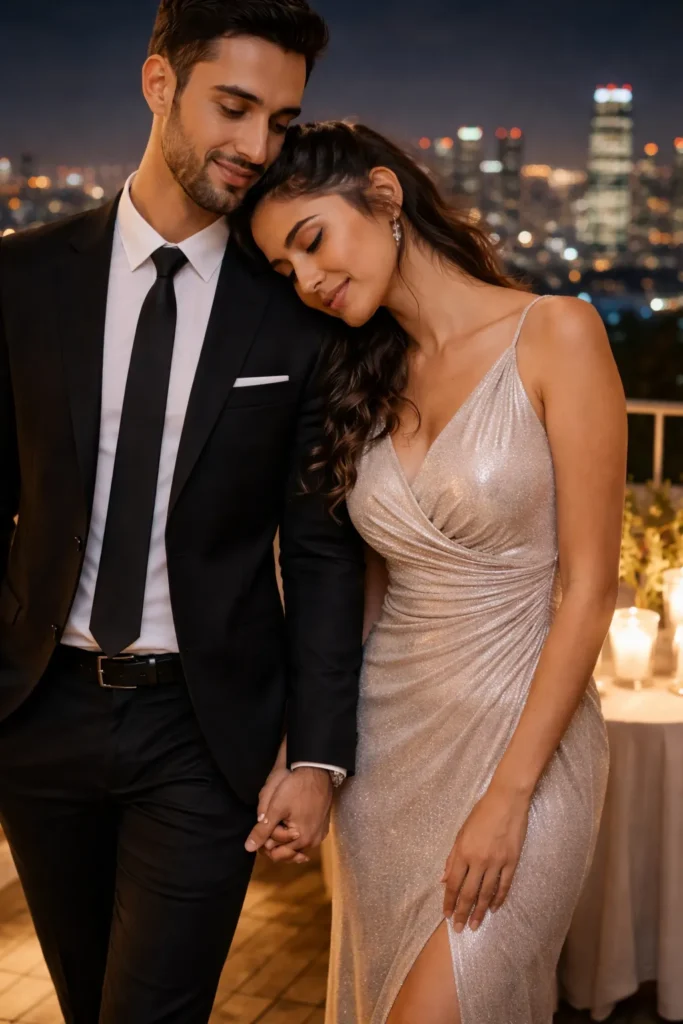
Edit the uploaded couple photo and keep their real faces fully same and clear. Place them on a rooftop setting at night with a city view behind. Add a small table with candles and soft warm light around them. Change outfit into a formal black suit for the boy and an elegant long dress for the girl. Add gentle glow on skin with clean shadows. Keep posture natural and relaxed. Make the image look like a real photo with high detail and smooth lighting.
4. Mountain View Cozy Vibe
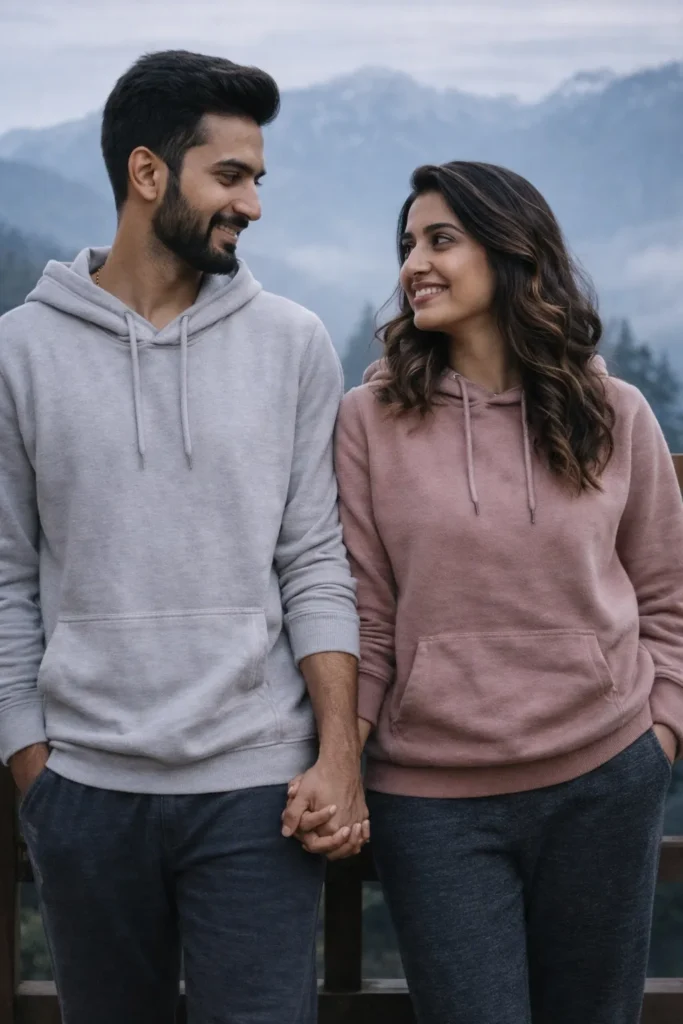
Edit the uploaded image and keep the faces exactly same with no change in identity. Place the couple on a wooden balcony with a mountain view and light fog in the background. Change clothes into soft hoodies and comfortable lower wear. Add early morning light with cool tone and natural shadows. Show the boy looking at the girl with a soft smile. Keep textures clear and real with no filter look. Maintain full realistic skin detail and calm mood.
5. Vintage Street Style Look
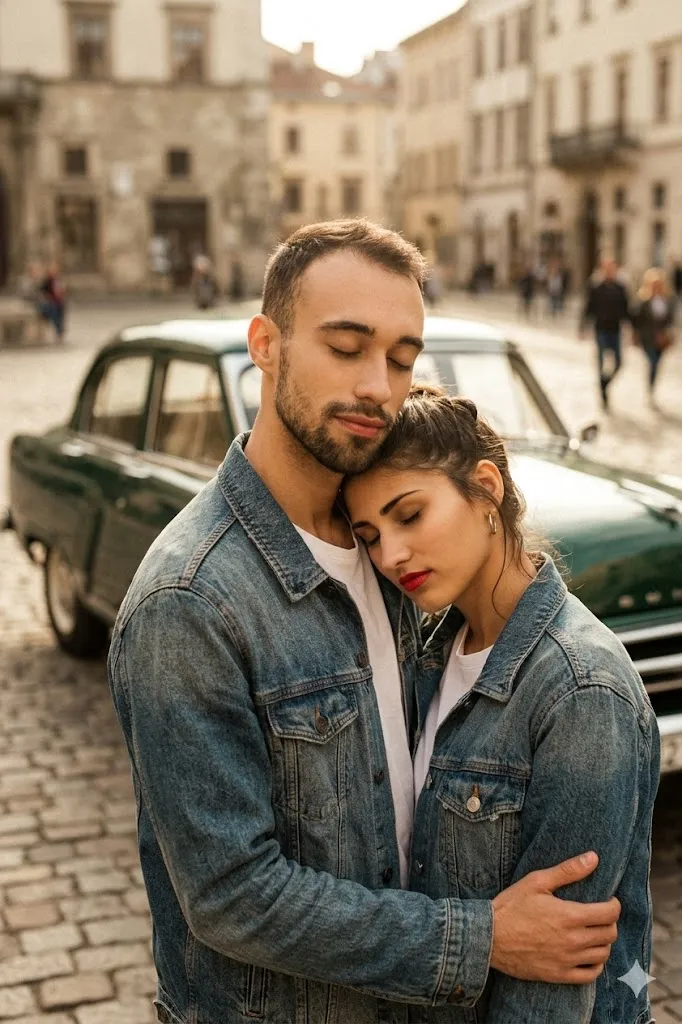
Edit the uploaded photo and keep both faces fully same with natural skin tone. Place the couple near a classic old car on a street. Change outfit into simple denim jackets and white shirts. Add warm color tone with light grain effect like old camera style. Keep pose natural like a candid moment. Add soft background blur and keep skin texture real. Do not change face shape or expression. Make the image feel like a real photo from old times.
6. Cafe Window Reflection Shot
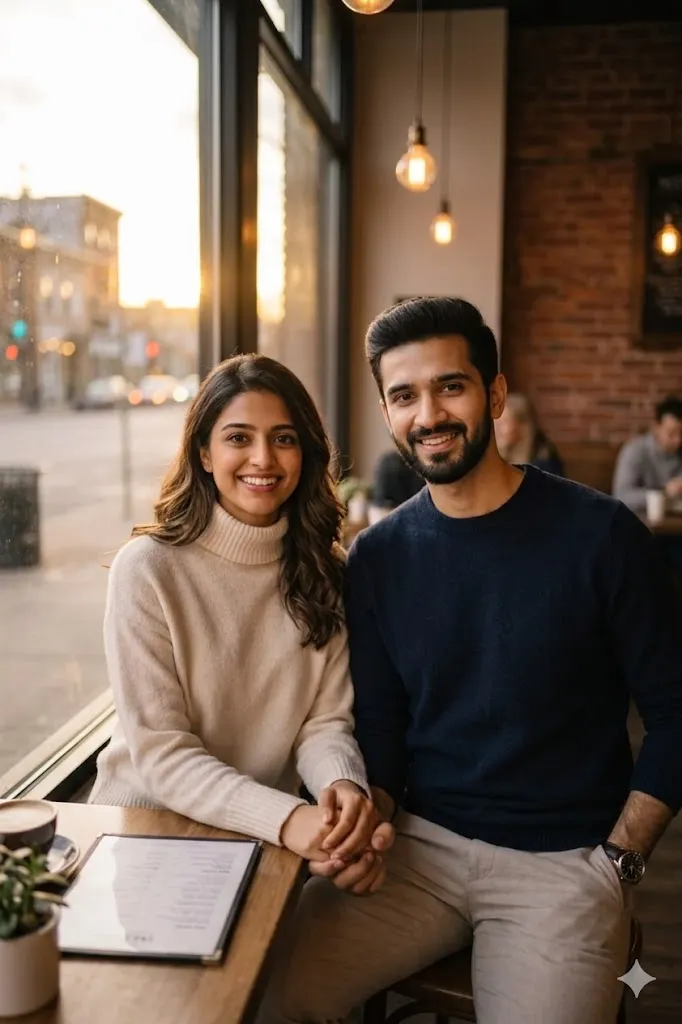
Edit the uploaded image and keep the faces fully same and clear. Place the couple sitting inside a cafe near a window. Show light reflection on the glass from outside street. Add soft indoor lighting with warm tone. Show them holding hands on the table. Change outfit into simple winter wear like sweaters. Keep background slightly blurred. Maintain realistic shadows and skin detail. Make the image look natural and peaceful.
7. Flower Garden Sunlight Scene
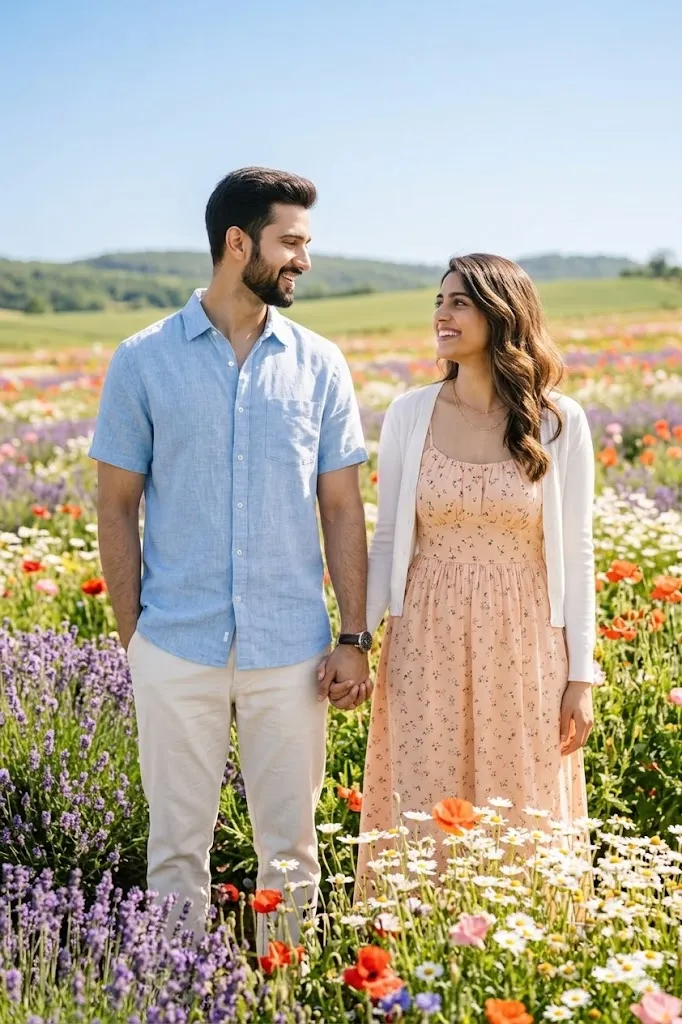
Edit the uploaded photo and keep both faces unchanged with natural look. Place the couple in a bright flower field with sun light coming from top. Add soft warm light and clear sky feel. Change outfit into simple casual wear with light colors. Show them smiling naturally at each other. Keep colors fresh and real. Maintain sharp details on face and clothes. Add depth and keep background slightly soft for focus.
8. Light and Shadow Artistic Shot
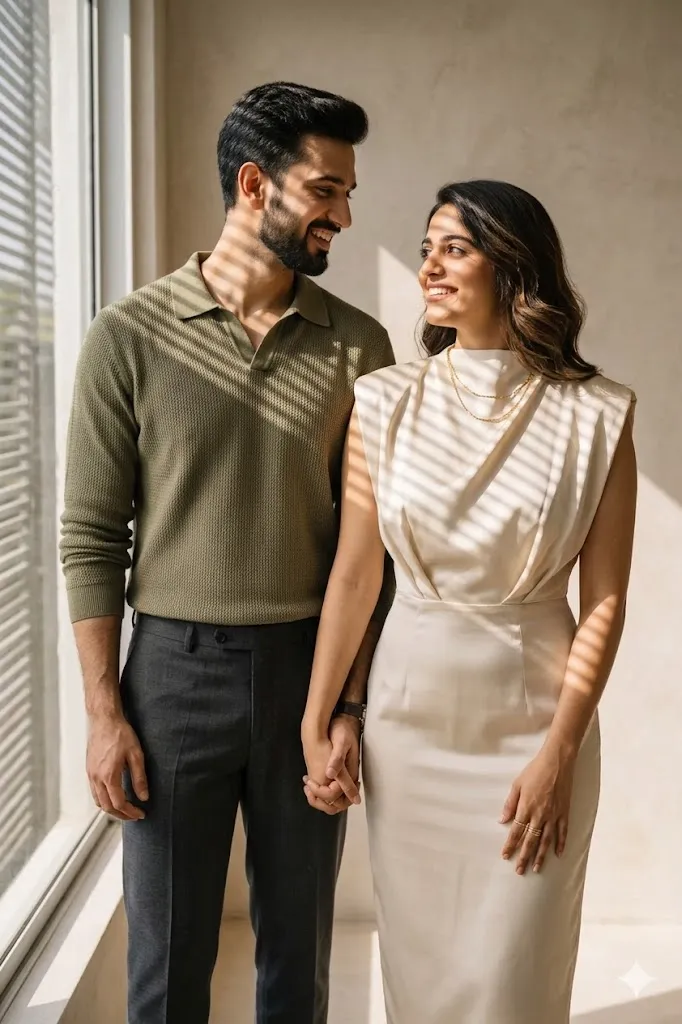
Edit the uploaded image and keep the original faces exactly same. Place the couple near a window where light passes through and creates shadow lines on face and clothes. Keep background simple and clean. Change outfit into stylish modern clothes. Add strong light contrast but keep skin tone natural. Maintain clear face details and soft shadows. Make the image look artistic but still real and clean.
9. Winter Snow Couple Scene
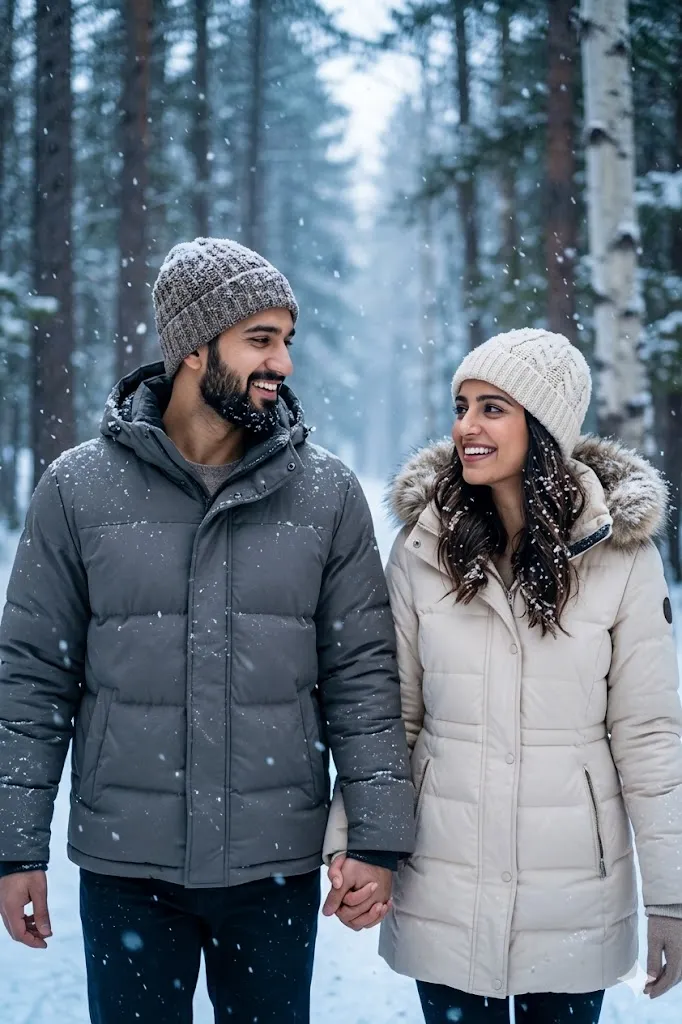
Edit the uploaded photo and keep faces fully same with real detail. Place the couple in a snowy forest with falling snow around them. Change outfit into warm winter jackets with caps. Add snow on clothes and hair in a natural way. Use cool light tone with soft blue feel. Keep sharp focus on faces and blur background slightly. Maintain realistic skin texture and natural expressions.
10. Royal Traditional Look
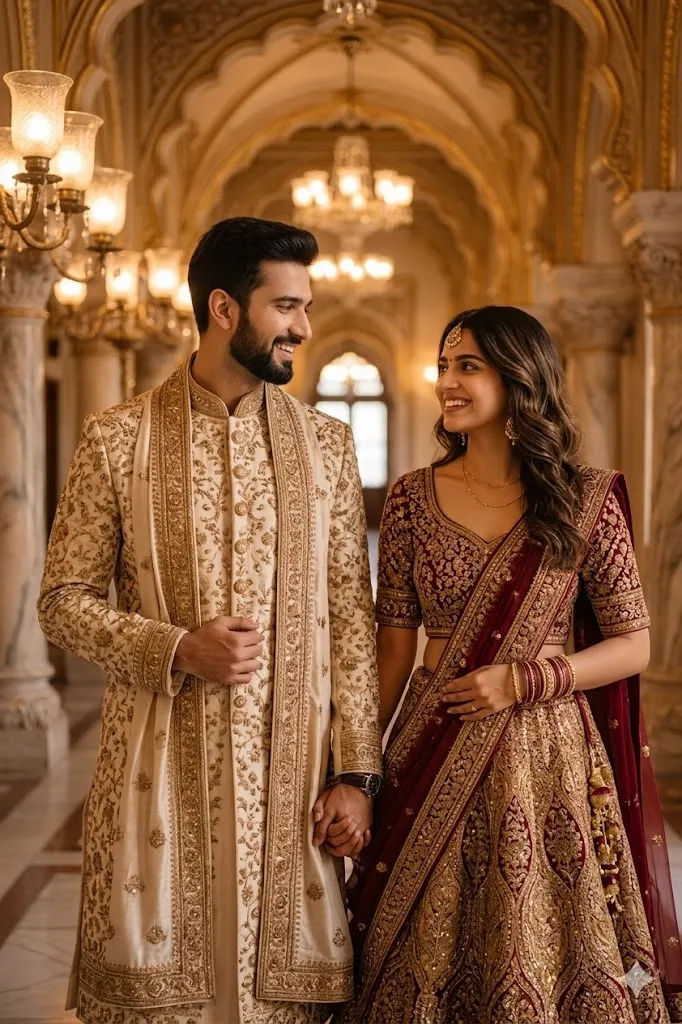
Edit the uploaded image and keep both faces exactly same without change. Place the couple in a palace style indoor setting with warm lights. Change outfit into traditional wedding style dress for both. Add rich fabric detail and soft glow on skin. Keep posture simple and natural. Maintain high detail in clothes and face. Make the image look like a real photo with depth and balance.
Final Words
These Gemini AI romantic couple photo prompts helped me create very real and clean edits without losing face identity. I tested each prompt on different photos and the results looked natural and smooth. If you follow the same steps you will also get good output. Keep your photo clear and do not rush the process. Try different prompts and see what suits your style best.
