Gemini AI Photo Prompt 2026: Hyper realistic Rim Lighting Golden Hour AI Prompt helps you create glowing edge light photos like a pro without a costly camera. In this guide you will learn how to turn a simple portrait into a rich golden hour image with soft halo light around hair and shoulders. This style gives a clean cinematic feel with real skin detail and natural light. If you want sharp face detail with warm sunset glow then this guide will help you step by step.
You can use tools like Gemini AI, ChatGPT image tools, or any trusted AI photo editor that supports image upload and prompt input. Just upload your clear photo and paste the prompt from this article. The tool will keep your face and body same and build a new scene with proper light, outfit, and background.
Hyper realistic Rim Lighting Golden Hour AI Prompt
1. Urban Rooftop Sunset Look
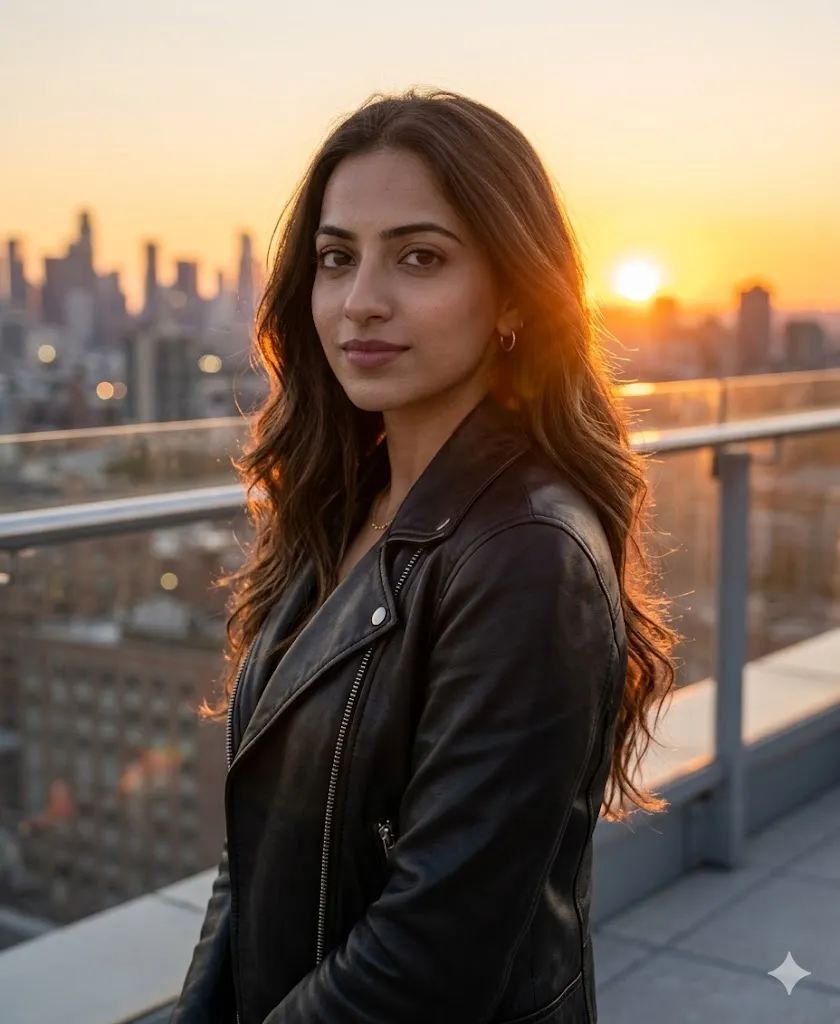
Edit the uploaded photo and place the person on a modern city rooftop during golden hour sunset. Keep the sun behind the person so a strong orange rim light forms around the hair and body edges. Add a stylish leather jacket and a relaxed side pose with a calm face. Show a soft blurred skyline with light flares in the background. Use 35mm style depth, sharp skin detail, visible pores, natural light balance, cinematic feel, and full 8K clarity with realistic shadows and no artificial effects.
2. Wild Meadow Soft Nature Look
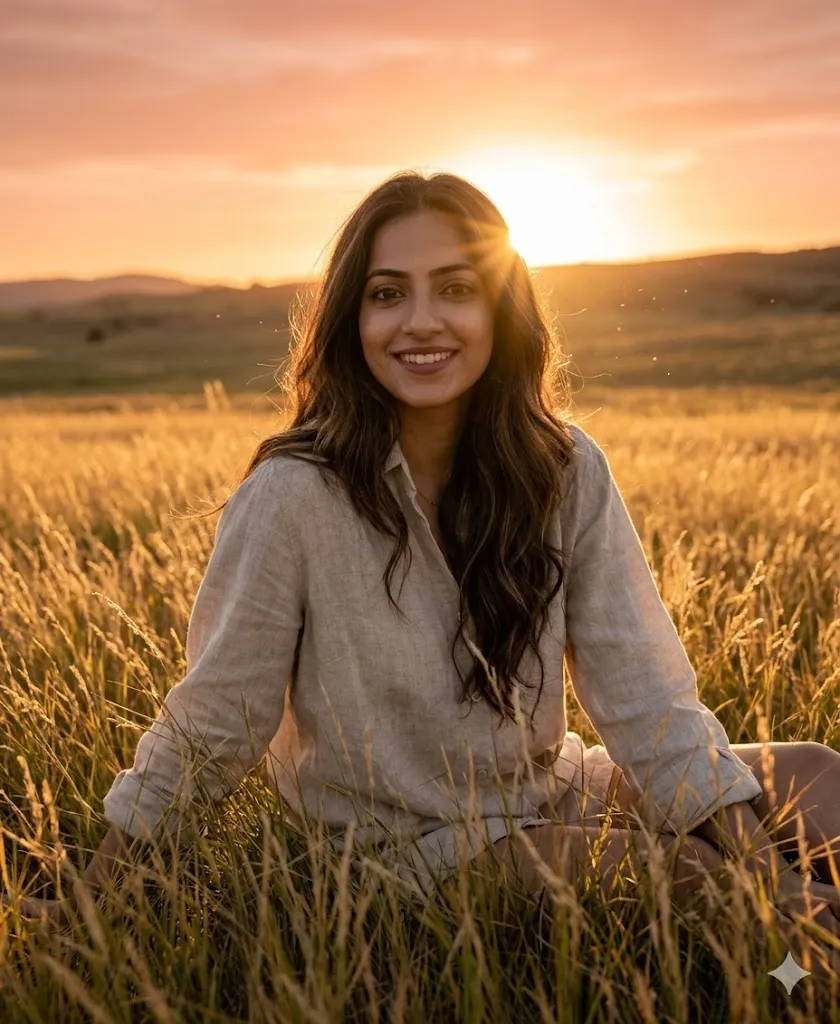
Edit the uploaded photo and place the person sitting in a field of tall golden grass at sunset. Add soft back light from the sun to create a glowing halo on hair and shoulders. Use a simple linen shirt and a relaxed pose with hands behind for support. Keep a natural smile and direct eye contact. Add light dust particles in sun rays. Use deep focus, rich warm tones, real texture detail, natural color grading, and 8K output with clean skin detail and no filter look.
3. Evening Street Fashion Look
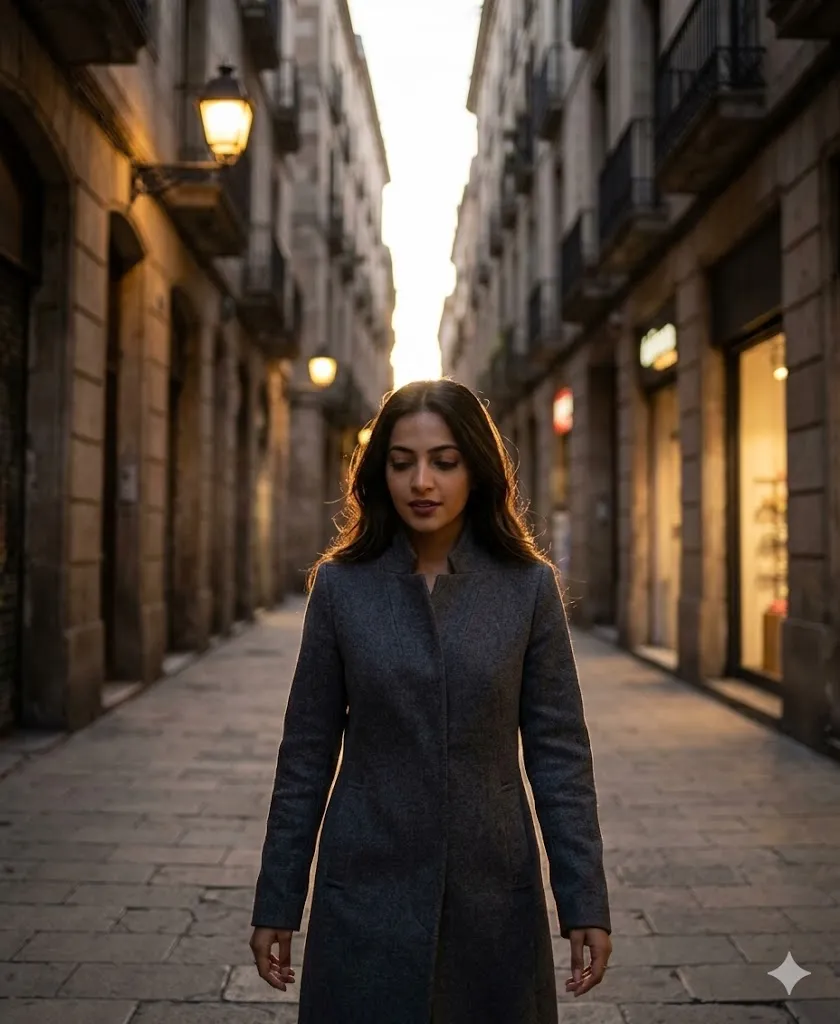
Edit the uploaded photo and place the person walking on a narrow stone street at dusk. Keep hidden sun behind buildings to create strong rim light on the coat edges. Add a well fitted wool coat and a natural walking pose with slight down gaze. Show warm street lamps and soft shop blur in background. Keep face sharp and skin tone real. Use high contrast light, cinematic mood, 4K clarity, and balanced exposure with natural shadows and no over edit.
4. Calm Lakeside Golden Light Look
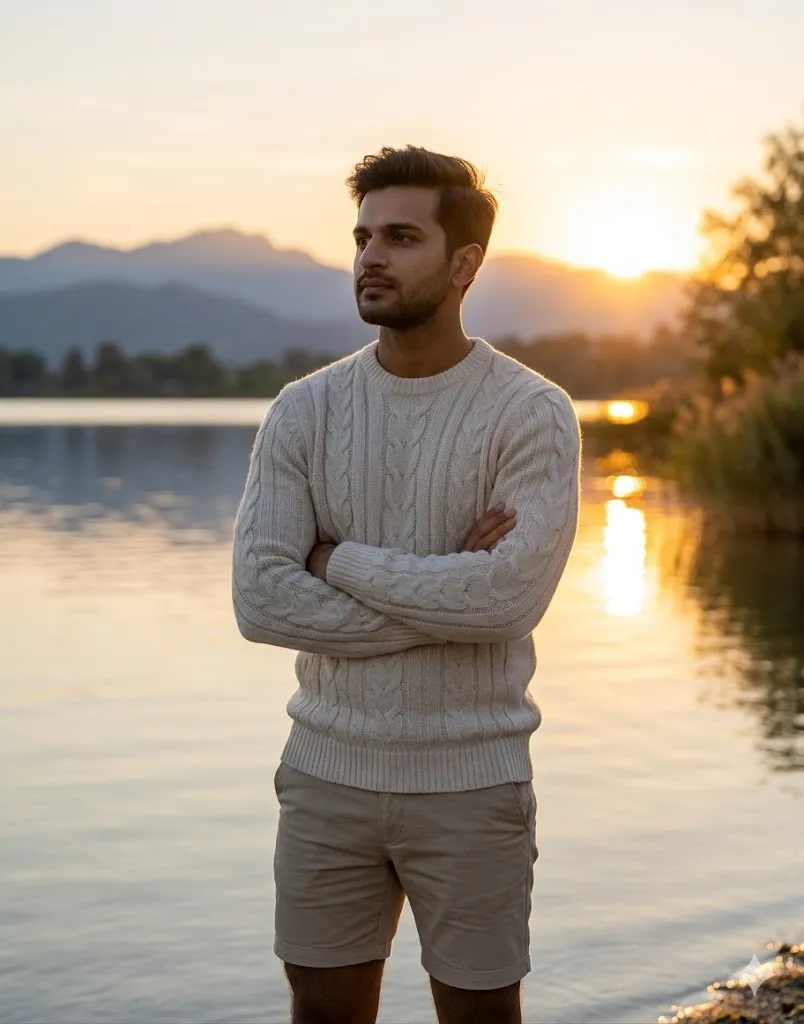
Edit the uploaded photo and place the person near a calm lake during sunset. Add low sun reflection on water to support the main rim light around the body. Use a soft knit sweater and a peaceful pose with arms crossed. Keep face calm and eyes toward horizon. Add soft mountain blur in background. Focus on hair strands catching light, natural environment detail, smooth bokeh, raw photo style, and 8K realistic finish without filters.
5. Industrial Edge Golden Flare Look
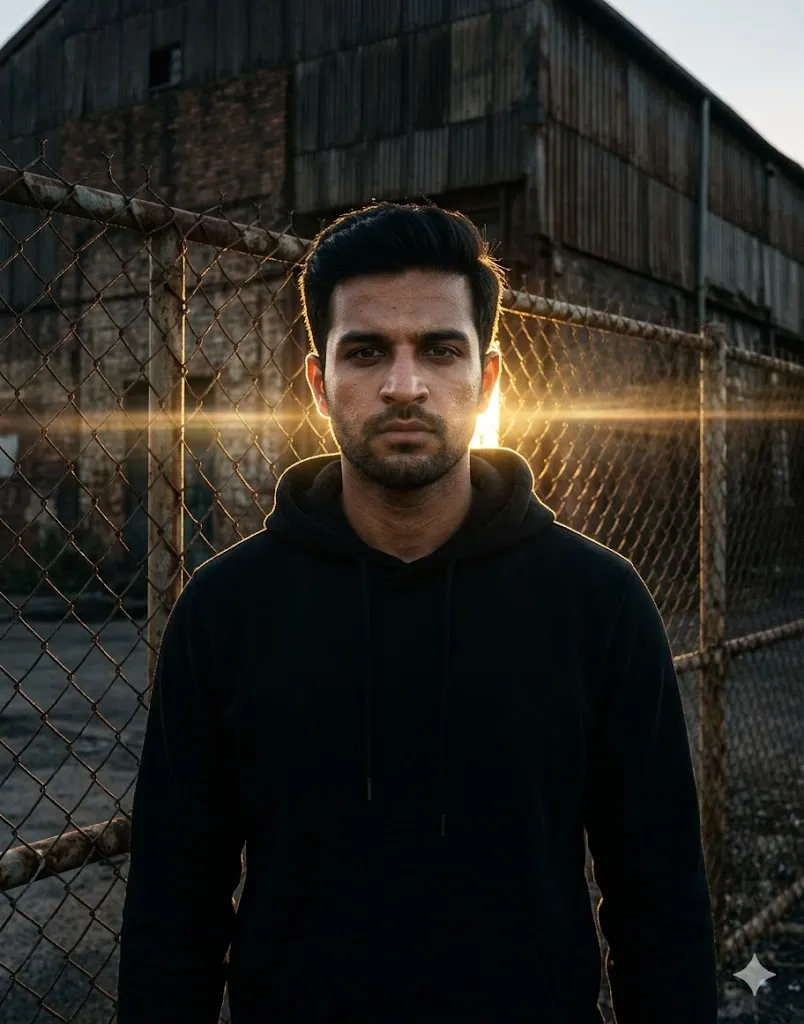
Edit the uploaded photo and place the person near an old metal fence with a dark warehouse behind. Add strong golden hour light from back to create bold rim light and deep shadows. Use a black hoodie with a serious face and straight pose. Add sun flares across the lens in a natural way. Keep skin texture real with light sweat detail. Use anamorphic style frame, high detail, strong contrast, and 8K clarity with clean realistic output.
6. Luxury Balcony Lifestyle Look

Edit the uploaded photo and place the person on a glass balcony during sunset. Add warm rim light from back to define face and outfit edges. Use a silk shirt and a relaxed sitting pose holding a glass of water. Keep expression happy and calm. Show a soft tropical coast view in background with blur. Focus on clean lines, soft shadows, real hand detail, rich warm glow, fashion style lighting, and 8K output with natural finish.
7. Forest Path Magical Light Look
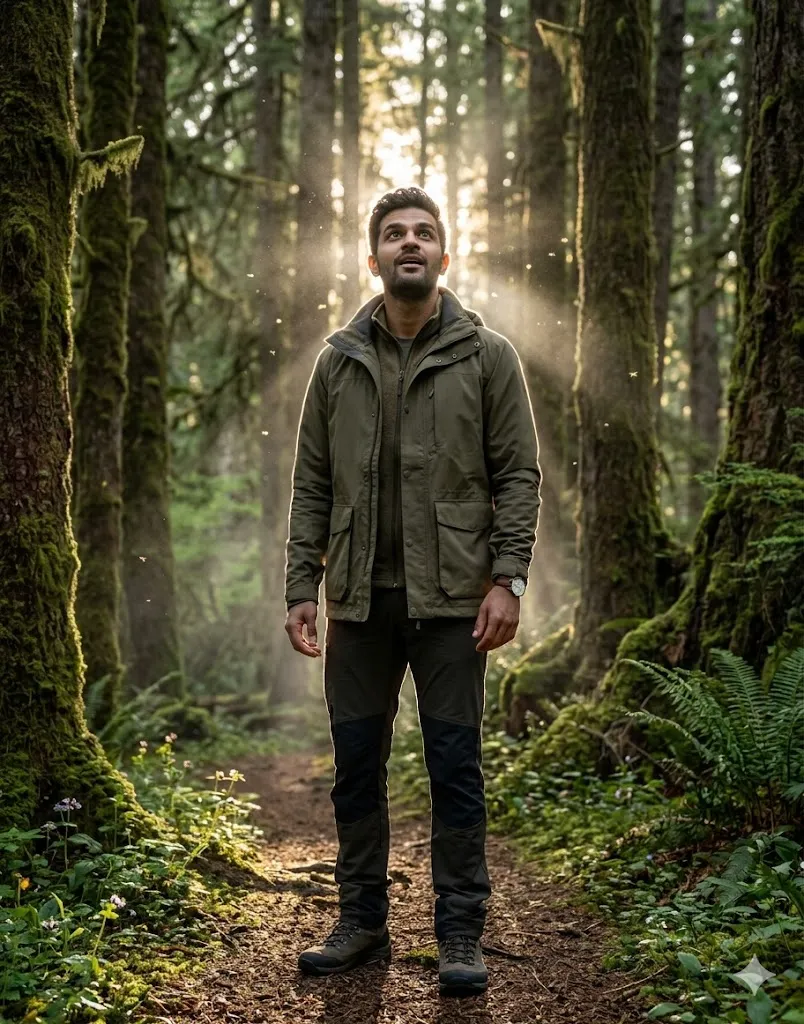
Edit the uploaded photo and place the person on a forest path with thick trees. Add sun rays passing from behind to create a full rim light around the body. Use outdoor wear and an upward look with amazed face. Add light mist and small insects visible in sun beams. Keep nature detail very sharp with real textures. Focus on face clarity, cinematic light depth, life like detail, and 8K quality with natural color tone and no stylized effects.
Final Words
I used this Hyper realistic Rim Lighting Golden Hour AI Prompt on my own photos and the results felt very real and clean. The light looks natural and face stays same which is most important. If you follow the steps and keep your input photo clear then you will get strong results. Try different scenes and see what suits your style.
