Gemini AI Photo Prompts 2026: Lord Shiva aura photo edits are becoming very popular on Instagram. Many people are sharing powerful Mahadev inspired edits where a normal photo turns into a cinematic divine scene with a glowing Shiva aura behind the person. These edits often look like movie posters and that is why many users search for viral Lord Shiva aura photo editing prompts for their own pictures.
In this article I have shared specially designed prompts that work well for boys, girls and even kids. Anyone can copy paste these prompts into AI image tools like Gemini AI image editor ChatGPT prompt based editors or Nano Banana AI photo generator and create trending Instagram style edits. The prompts focus on Mahadev aura effects realistic lighting and strong spiritual visuals while keeping the original face clear and natural.
Lord Shiva Aura Photo Editing Prompts
If you want to create copy paste trending Instagram photos with a Mahadev vibe these prompts will help you turn a simple photo into a powerful divine edit.
1. Urban Protector Mahadev Aura Edit
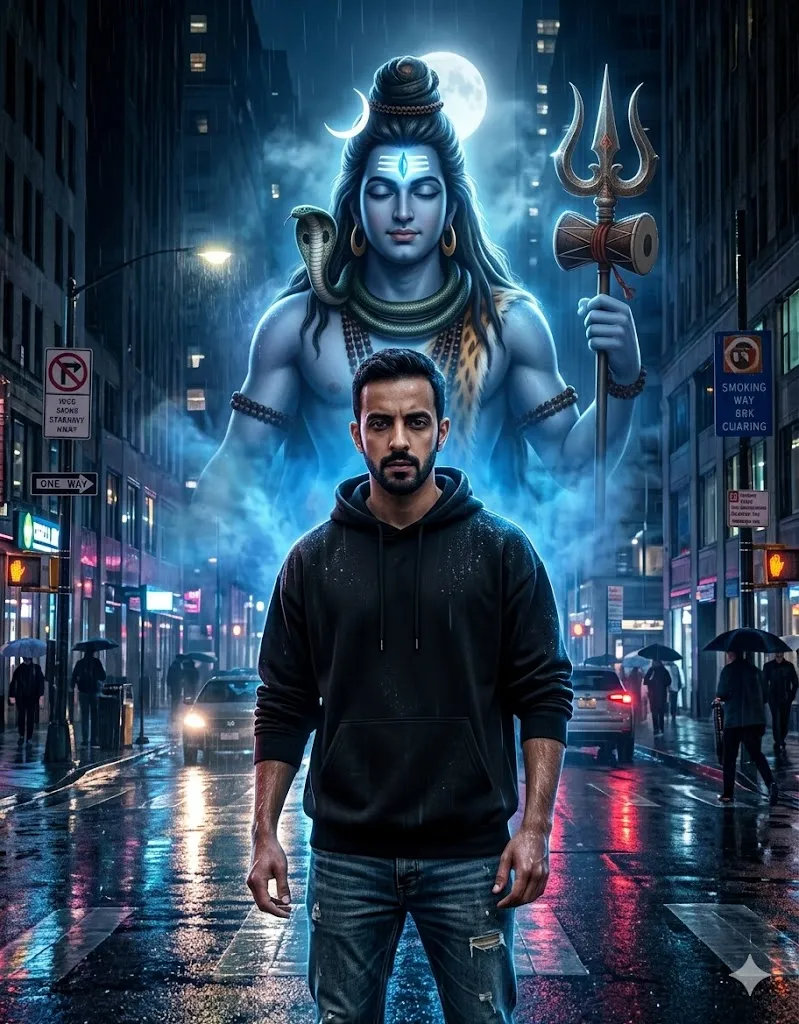
Edit my photo and place me on a rainy night city street. Change my outfit to a black oversized hoodie and worn denim jeans. Make me stand with strong confident body language. Behind me add a huge divine aura of Lord Shiva rising from blue glowing mist and slow moving smoke. Shiva should look calm with a bright third eye and a trident in his hand. Keep my real face exactly the same as the uploaded photo. Use cinematic lighting wet road reflections and realistic rain drops on skin. Make the final image ultra realistic with clear skin texture and deep dramatic light.
2. Neon Tandav Energy Edit
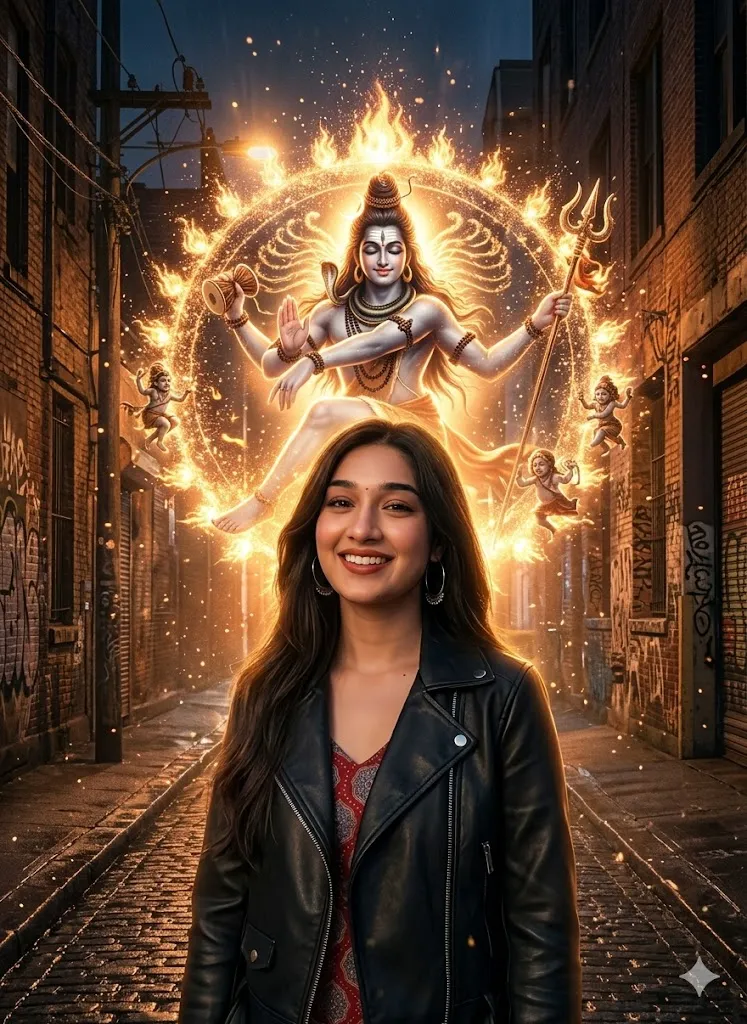
Edit my photo and place me in a dark city alley scene. Change my outfit to a stylish leather jacket. Behind me create a giant divine aura of Lord Shiva glowing in orange and gold light. Shiva should appear in a soft Nataraja dance pose with sparks and glowing particles in the air. Keep my face exactly the same as my original photo. Turn the background into a mystical divine scene with cinematic depth and sharp focus. Make the lighting bright and dramatic with a strong spiritual vibe.
3. Mountain Meditation Scene
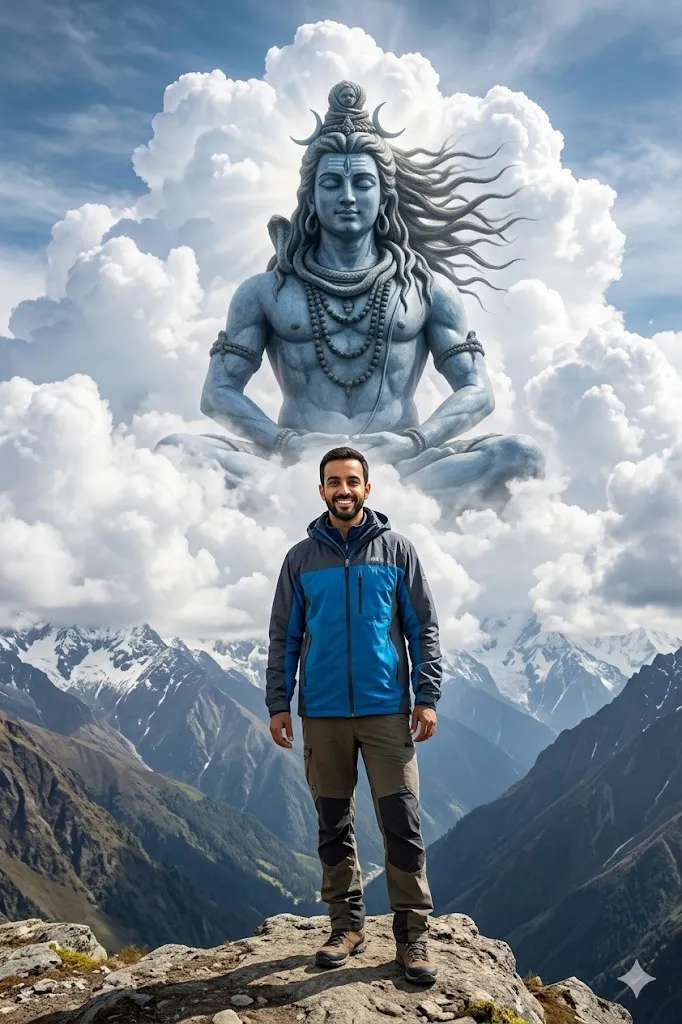
Edit my photo and place me on a rocky mountain cliff in the Himalaya. Change my outfit to trekking clothes suitable for a mountain trip. Behind me add huge white clouds and from those clouds reveal a giant meditating Lord Shiva aura. Shiva skin should look like blue grey stone and his hair should move with the mountain wind. Let the sunlight fall naturally on my face and keep my original face details exactly the same. The background should feel peaceful spiritual and powerful like a legendary story scene.
4. Golden Sky Shiva Aura Portrait
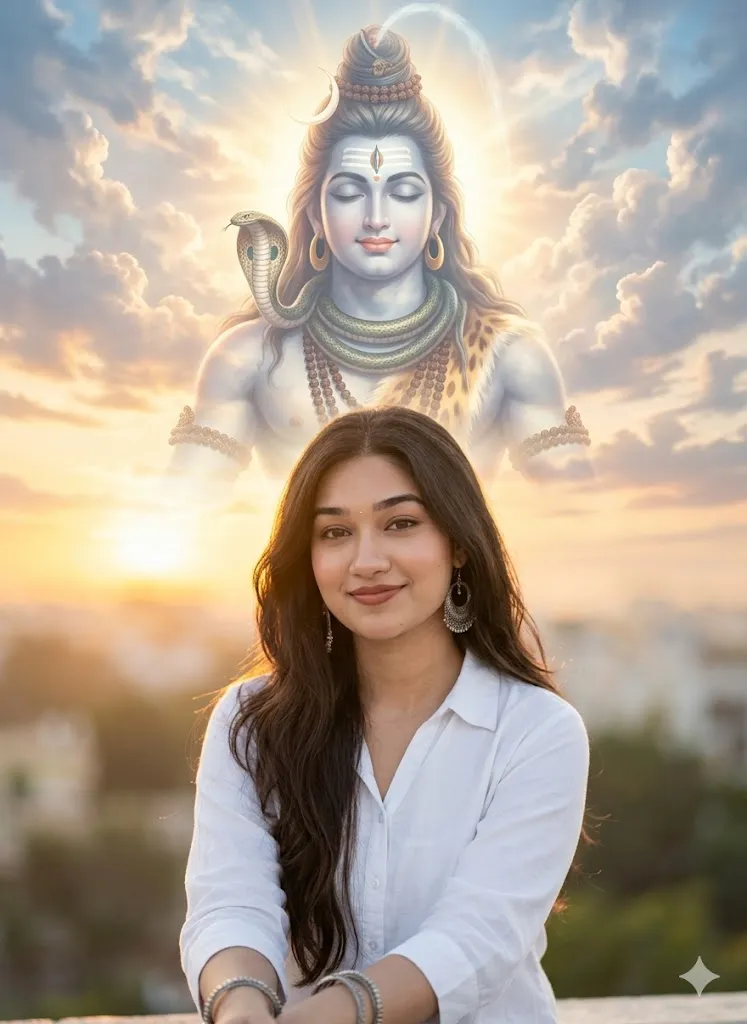
Edit my photo and turn it into a professional portrait. Change my outfit to a simple white shirt. Make me look calm and peaceful while looking toward the camera. In the golden evening sky behind me create a huge transparent aura of Lord Shiva made from clouds and sunlight. Add details like ornaments on Shiva neck and the serpent Vasuki around his neck. Keep my real face unchanged. Use soft background blur and natural golden light for a realistic portrait feel.
5. Silent Forest Mahadev Scene
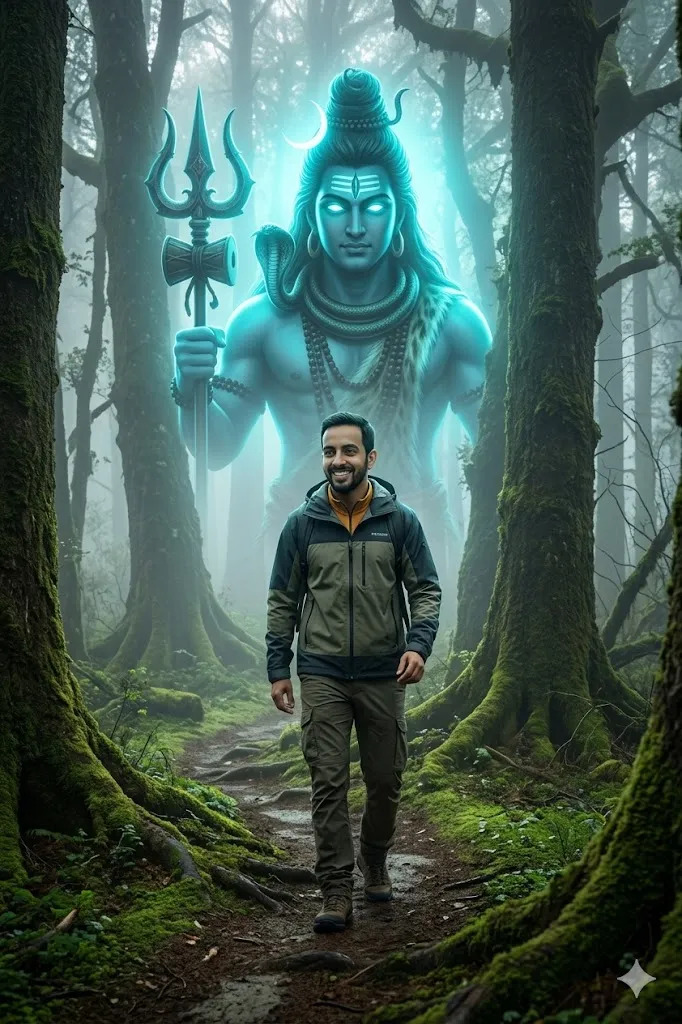
Edit my photo and place me walking inside a deep ancient forest filled with fog. Change my clothes to modern outdoor adventure clothing. Behind the trees create a giant majestic Lord Shiva aura with glowing cyan eyes watching over the forest. The mood should feel mysterious calm and powerful. Keep my original face structure exactly the same while the environment becomes a cinematic fantasy forest scene.
6. Iron Temple Gym Scene
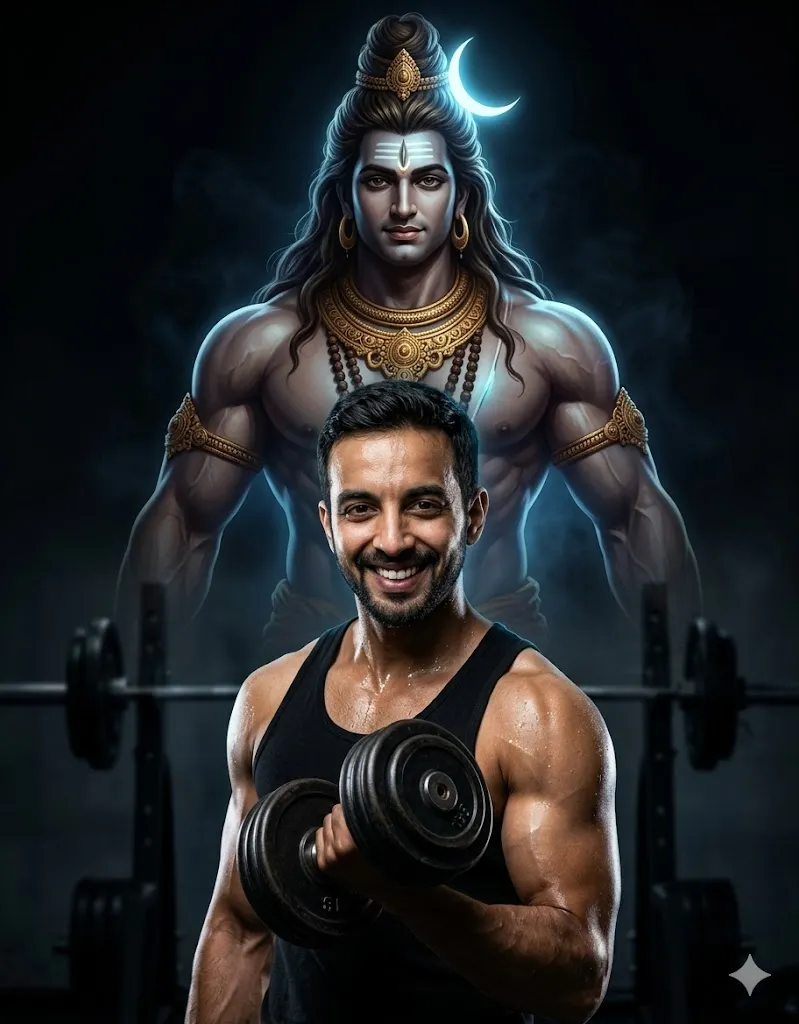
Edit my photo and place me inside a gym environment. Show me holding a heavy dumbbell while standing in a strong pose. Use dramatic spotlight lighting so my muscles appear strong and defined. Behind me create a giant powerful aura of Lord Shiva rising from the shadows. Shiva should look muscular and divine with golden arm ornaments and a glowing moon in his hair. Keep my face exactly the same as the original photo. Add sweat details realistic skin texture and high detail lighting for a powerful gym poster look.
7. Midnight Vigil Rooftop Scene
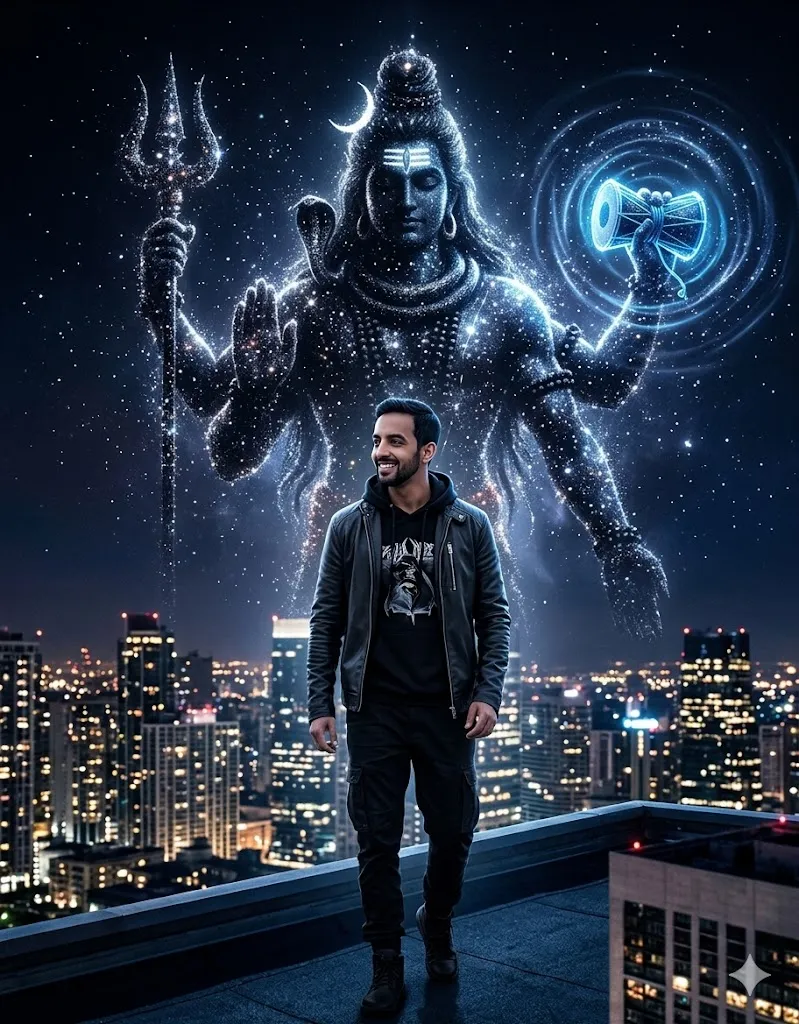
Edit my photo and place me standing on a rooftop at night looking toward the city lights. Change my outfit to a modern street style outfit. Behind me create a giant cosmic aura of Lord Shiva made from starlight and dark space energy. Shiva should hold a glowing damru that sends waves of cosmic energy. Keep my face and body structure exactly the same as the uploaded photo. Use realistic night lighting and deep shadows for a cinematic city scene.
8. Ancient Temple Ruins Scene
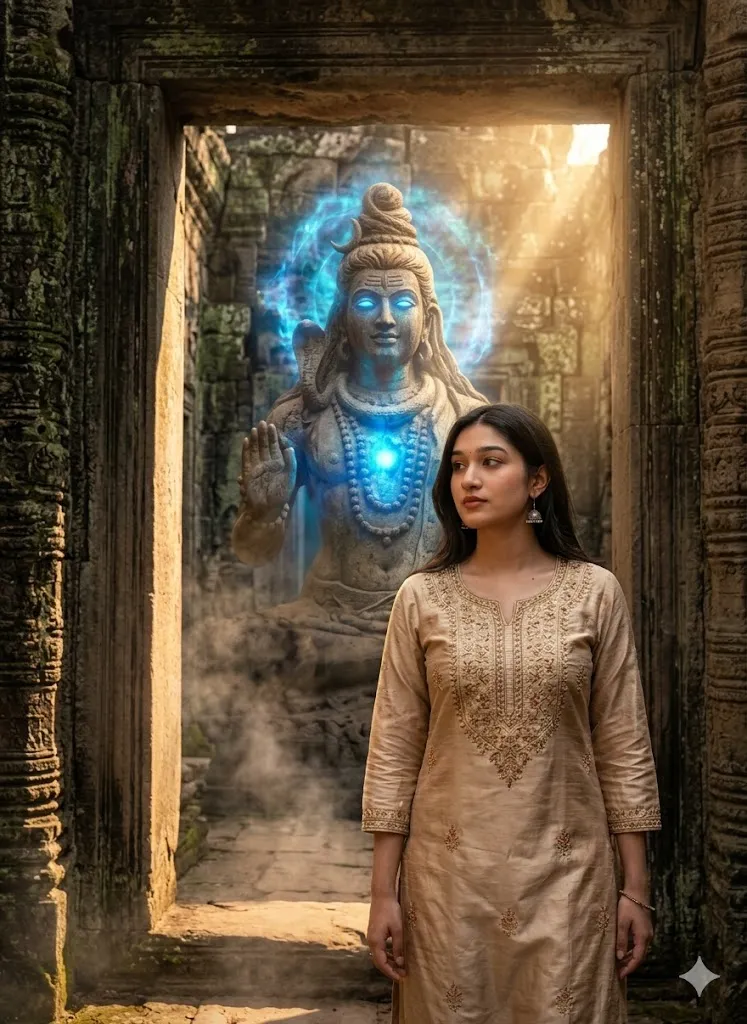
Edit my photo and place me inside an ancient stone temple ruin. Change my clothes to a traditional kurta. Behind me add a huge stone like form of Lord Shiva that slowly comes alive with a glowing blue aura. Add smoke rising from the ground and strong dramatic light around the temple ruins. Keep every detail of my face clear and realistic while blending me naturally into this epic mythological environment.
9. Blue Flame Shiva Power Scene
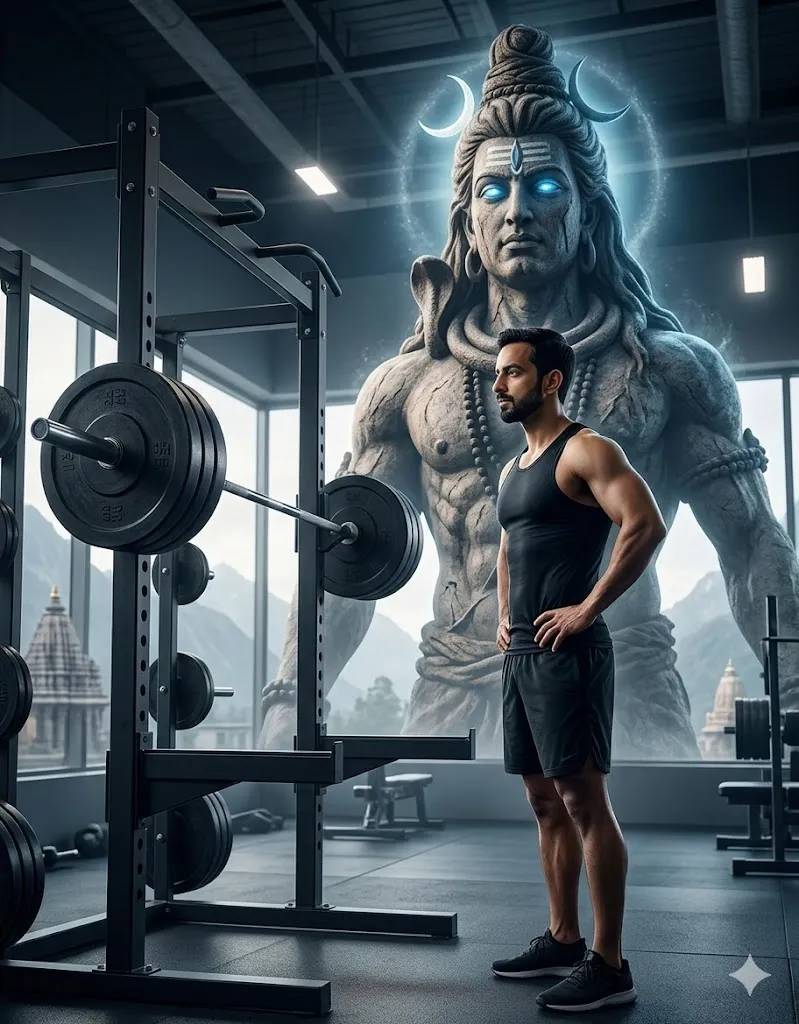
Edit my photo and create a hyper realistic cinematic gym scene from a side angle. Place me standing beside a barbell with weight plates inside a modern gym environment. My body should turn slightly sideways and the lighting should highlight my natural body shape. Do not change my body type. Keep my real face and body exactly the same as the uploaded photo so the result looks natural for any person who uploads their image.Behind me create a giant divine aura inspired by Lord Shiva. The Shiva form should appear massive and powerful with a stone like skin texture and glowing bright eyes. Add long matted hair flowing behind him with a small crescent moon on the head. Include sacred ornaments and traditional jewelry around the neck and arms. Use dramatic cinematic lighting and deep shadows so the scene looks powerful and spiritual while my real face and natural body remain unchanged.
10. Sacred River Blessing Scene
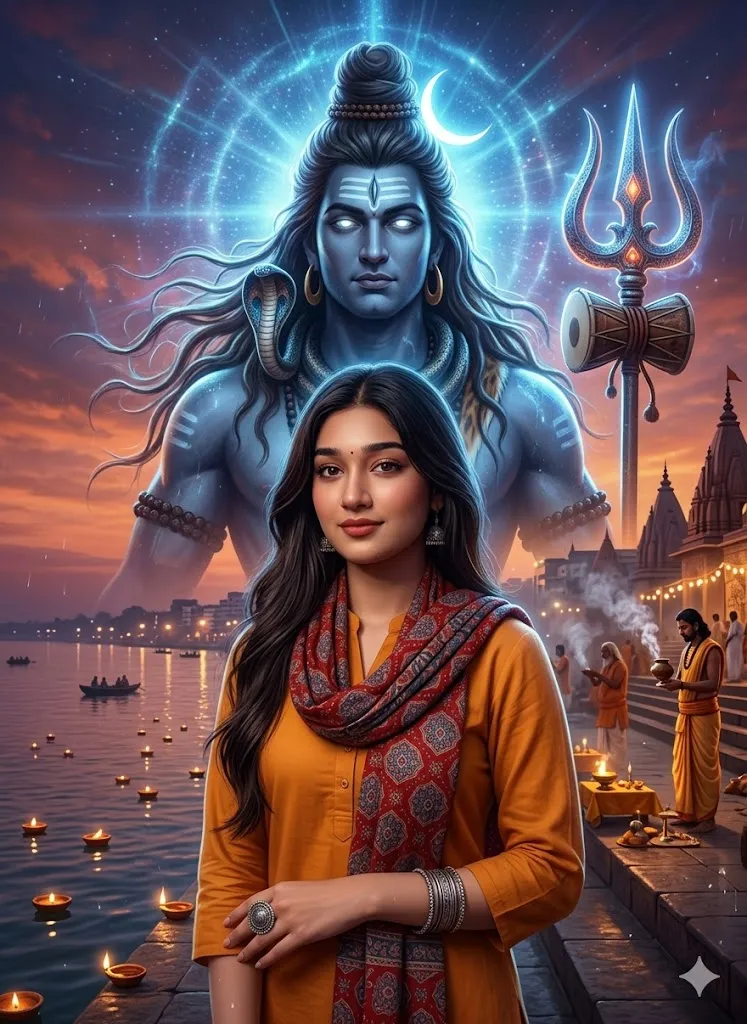
Edit my photo and place me standing near the holy river Ganga during evening prayer time. I am wearing a simple shirt with a saffron scarf around my neck. Keep my real face and natural body exactly the same as the uploaded photo. The scene should look calm with temple lights diyas and soft incense smoke in the air. Behind me create a gigantic divine aura of Lord Shiva in a powerful cosmic form. Shiva should appear in a very large towering presence rising above the river and temple area. His skin should have a blue ash tone with glowing eyes and long matted hair flowing like energy. Add the crescent moon on his head and a glowing trident beside him. The aura around Shiva should spread like divine blue light and sacred energy waves in the sky. The full scene should feel cinematic powerful and spiritual with strong divine aura lighting and ultra realistic detail.
Last Words
When I first tried these Lord Shiva aura photo editing prompts I was honestly surprised by the results. A normal photo quickly turned into a powerful cinematic scene that looked like a movie poster. If you enjoy creative photo edits or spiritual style visuals then these prompts can be very fun to try.
I tested different lighting styles mountain scenes forest mood and city edits before sharing these prompts in this guide. You can experiment with your own photos and see which aura style matches your personality. Sometimes a small change in light pose or background can create a very powerful final image.
